


🛠️ Product
This week, you can follow other learners, choose your own portfolio URL and put your learnlists in the order you want.
🤝 Follow learners and shape your portfolio
Portfolios were something you could look at but not keep up with. Here's what changed.
Follow learners from their portfolios
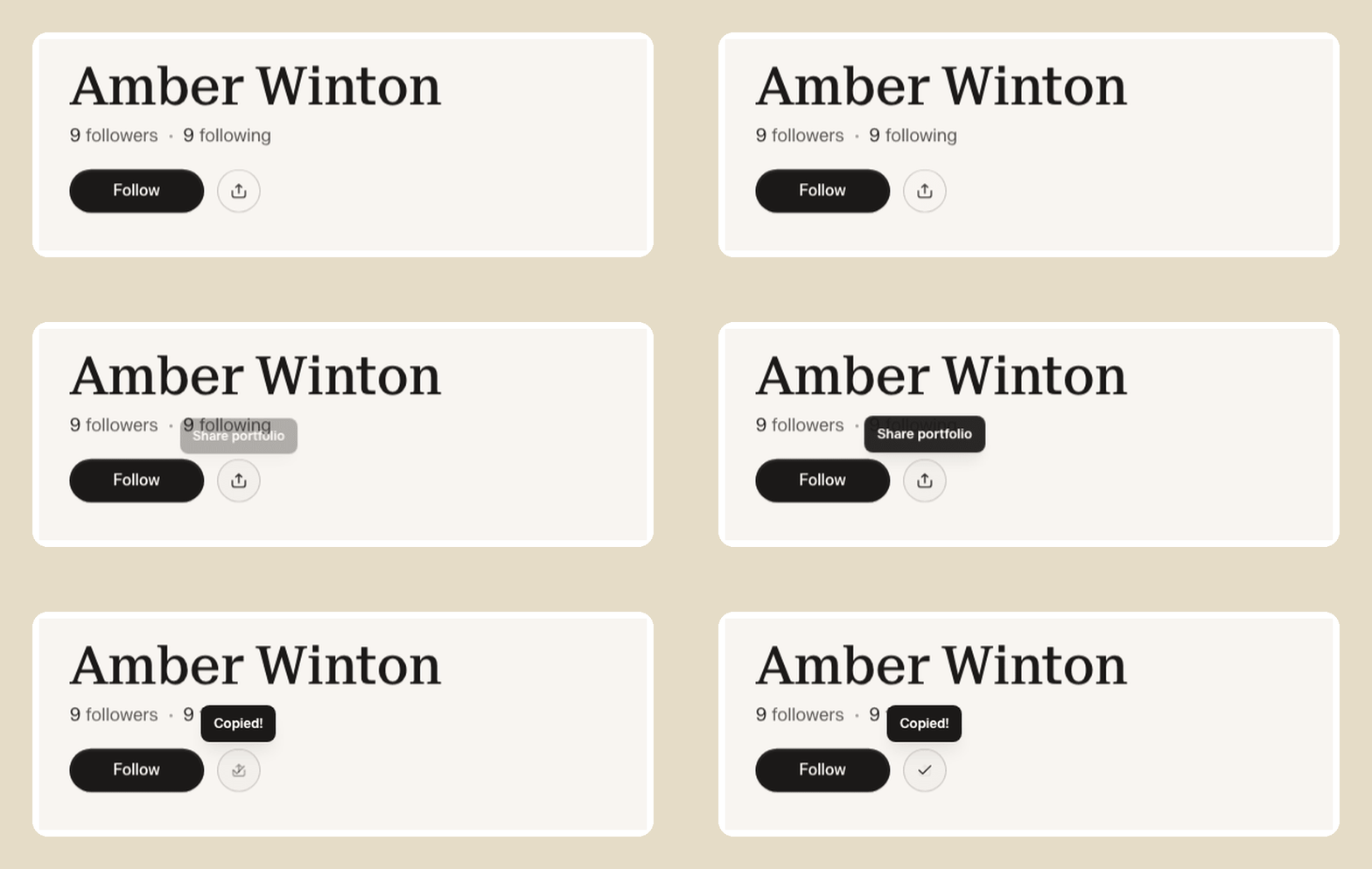
You can follow another learner from their portfolio with a Follow button, and see how many followers they have. Tap the count to open a list of who follows them. The count updates as people follow, and the badges in search match the Follow button.

Choose your own portfolio URL
You can pick the web address for your portfolio. New learners choose it with their photo when they set up their account, and anyone can change it in Edit portfolio. On short screens, that window couldn't scroll, so Save was out of reach. It scrolls now.

Reorder your learnlists
If you own a learnlist, you can drag its projects into the order you want people to work through them. The other projects slide aside to show where it'll land. Thank you to everyone who requested it!

✨ Smaller improvements
The chat where you generate a project has a fullscreen toggle, so you've got room to read longer replies.
The share icon on a portfolio shows "Copied" after you tap it, so you know the link is on your clipboard.
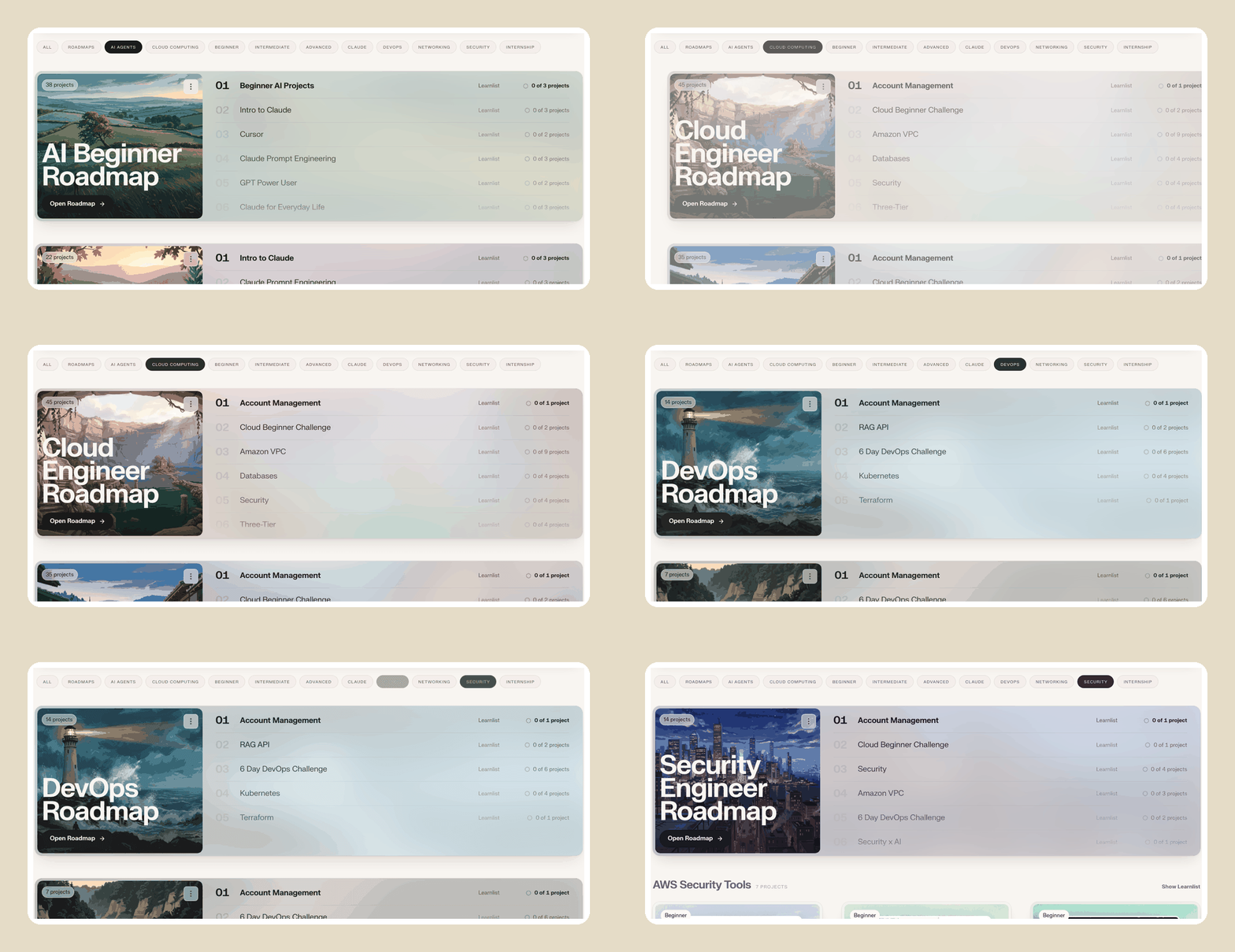
Switching between topics in Explore slides smoothly instead of jumping.
When you generate a project, it skips outline questions you've already answered in NextWork.md, the note in Settings where you tell NextWork about your background and goals.


🐛 Bug fixes
On phones, tapping the email submit button twice during onboarding crashed the screen. It now handles the second tap.
In exported PDFs, the fade over the top image covered the author line. The byline now stays readable.
In lessons on Safari, folded code blocks wouldn't open. They expand when you tap them.
Search rows had lost their progress rings, so you couldn't see how far along a project was. The rings show on every row again.
When you searched for a project to add to a learnlist, projects you'd generated didn't appear. They show up in the results.
The outline step of project generation sometimes failed if the AI returned extra details. It now carries on and gives you your outline.
Opening the login window from a project's menu left the menu open behind it. The menu closes first.
🚋 In progress
Reopen your past chats when you generate a project, so you can pick up where you left off.
A work page you can edit freely, with a slash menu and templates that change its voice.
A rebuilt settings page.
Recording tools that capture your build as you work through a project.
🧪 New projects
Route AI Requests with LiteLLM
Deploy a LiteLLM gateway on Google Cloud that routes your Gemini requests with Jev.
First Steps in AI Solutions Engineering
Design a C4 diagram first, then build a FastAPI AI service that matches it.
Triage Incidents with LangGraph
Build a durable multi-agent CLI that triages incidents with team approvals.
Build an AI Content Agency with Grok Bot
Build a five-agent workflow for researched, approved X and LinkedIn campaigns.
Keep the feedback and feature requests coming in our community Discord! https://discord.gg/6ZBmqRK88N
Happy learning!

Does the old portfolio url redirect to the new one?