


Product
This week, we made it easier to adapt someone else’s project, keep your progress when using Instant Match, and share the work you’ve completed.
🔗 Easier sharing
Copy your Work page link directly
There’s now a copy-link button in the Work page header, so you can grab the link without leaving the project. We’ve also renamed the panel from Documentation to Work page.

⚡ Instant Match improvements
Instant Match takes you to the original project
Accepting an Instant Match used to create a separate copy of the same project, even when you only wanted to work through the project. It now opens the original project - as an author, this means you can see it when other learners complete your project.
Instant Match asks for more detail when the request is too broad
We fixed a case where Instant Match could choose between projects that solve the same broad problem in different ways, even though you hadn’t said which approach you wanted. For example, “set up monitoring for my app” could match two projects built for different tools. In that situation, Instant Match now continues the conversation instead of choosing one for you.
🫶🏼 Other
React migration
Our project pages, editor and shared controls now use the same interface framework, making improvements like dark mode easier to apply consistently. The core conversion finished the previous week; this week, we fixed spacing, list numbering, guidance-track callouts and links between steps.
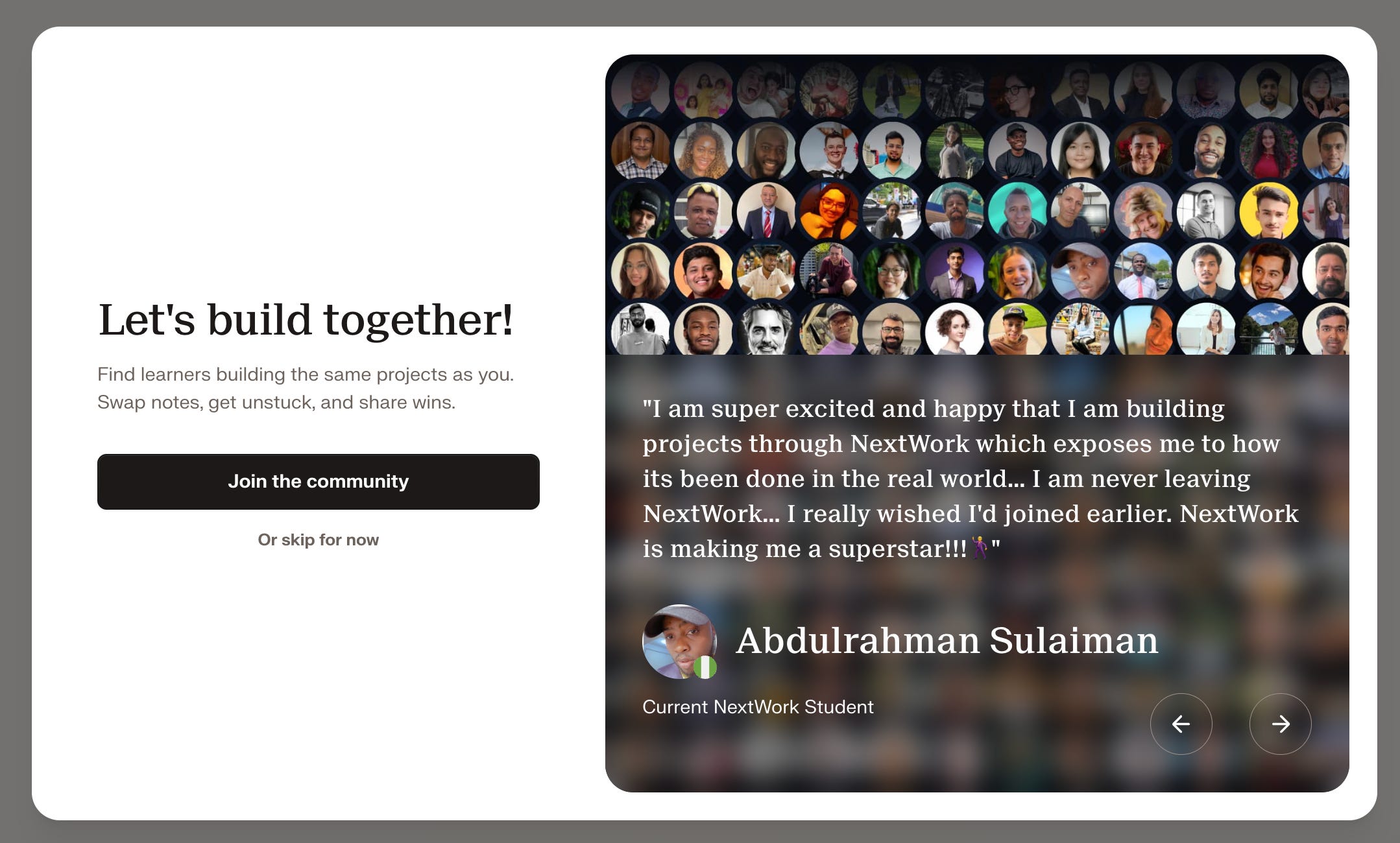
Join the community after signing in
We’ve added a community invitation to the desktop sign-in flow. You can open Discord directly from the invitation to find other learners, or skip it and continue with your project
.
🐛 Bug fixes
Returning to Explore with your browser’s Back button no longer forces a full reload - this means your previous view stays on screen.
Fixed cases where using your browser’s Back button could take you to a “page not found” screen.
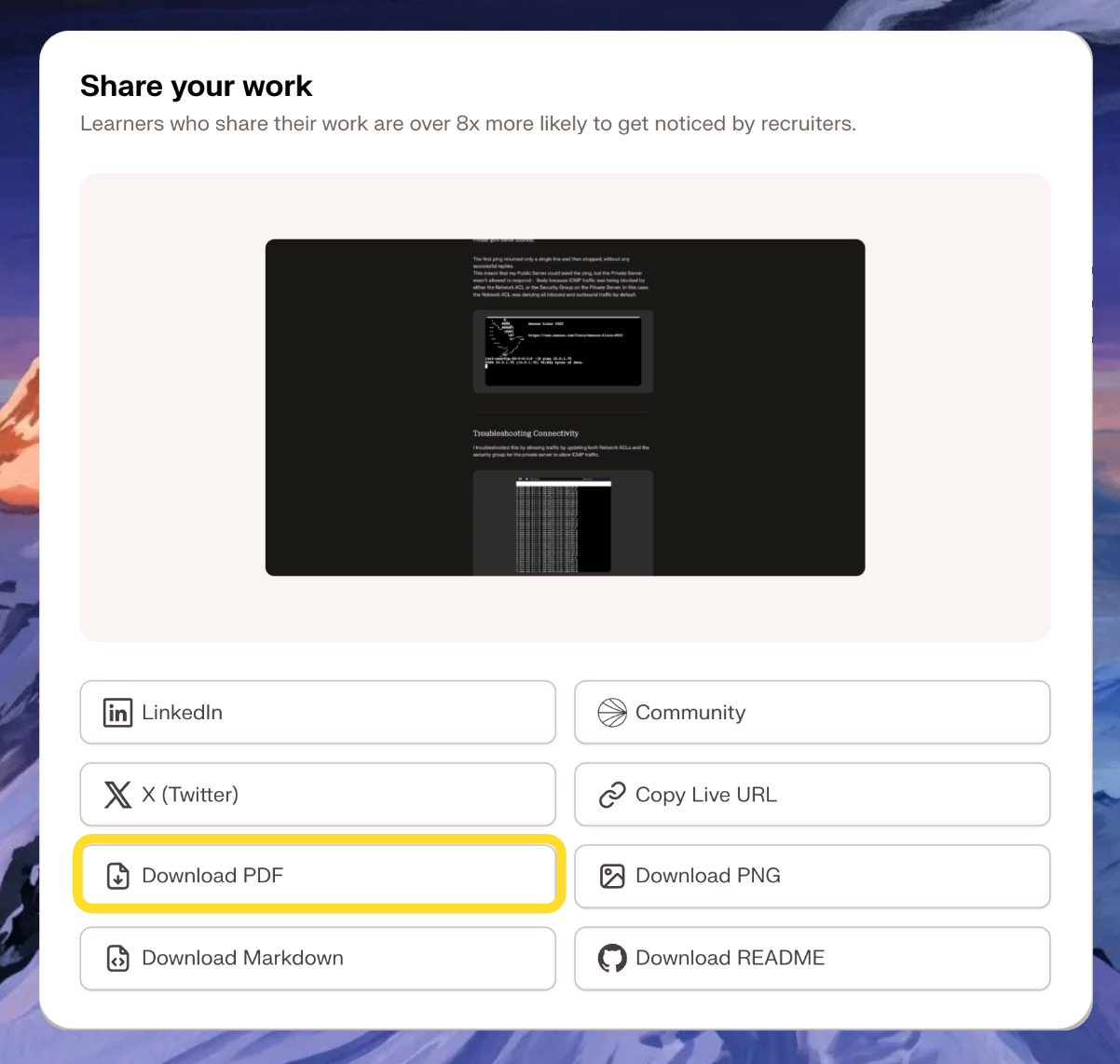
Restored a missing “PDF download” option on older projects.
Images uploaded by the original author stopped loading in a copied project. We’ve fixed this so those images carry across with the instructions.
The copy-link button only appears once your Work page has content. Previously, you could copy a link to an empty Work page, which showed an error when someone opened it.
🚋 In Progress
Here’s what we’ve been working on in the background (details to come next week):
Moving older projects to the new storage system
Dark mode
Transferring project ownership
Edit someone else’s project as your own copy
A new Explore experience
An About page for your portfolio
Please continue to share your feedback and feature requests in our community: https://discord.gg/6ZBmqRK88N
Happy learning!
