🛠️ Product
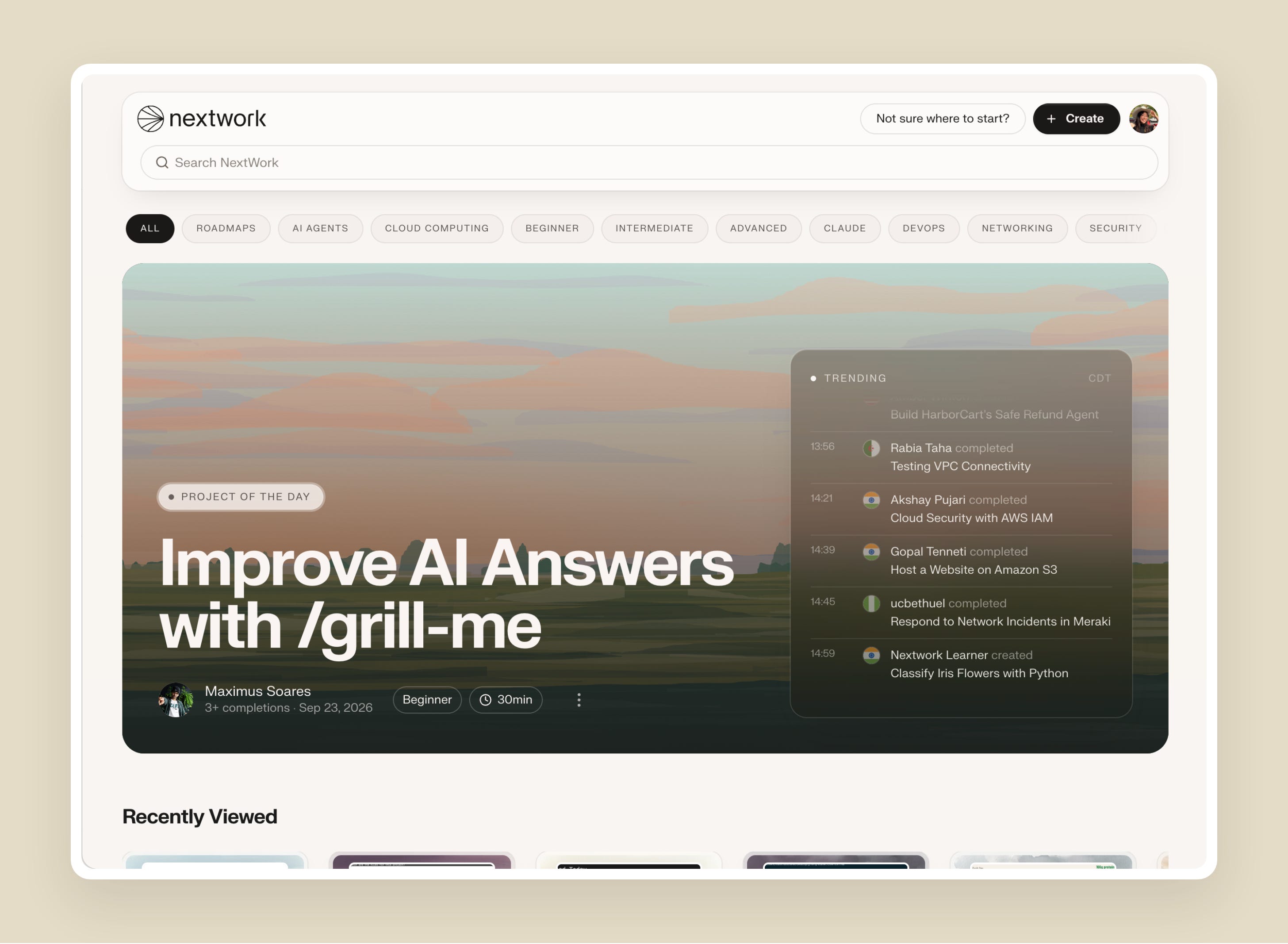
There's a new way to discover projects on NextWork.
Our Explore menu now introduces you to individual projects first, so you're seeing the latest and trending projects right away.
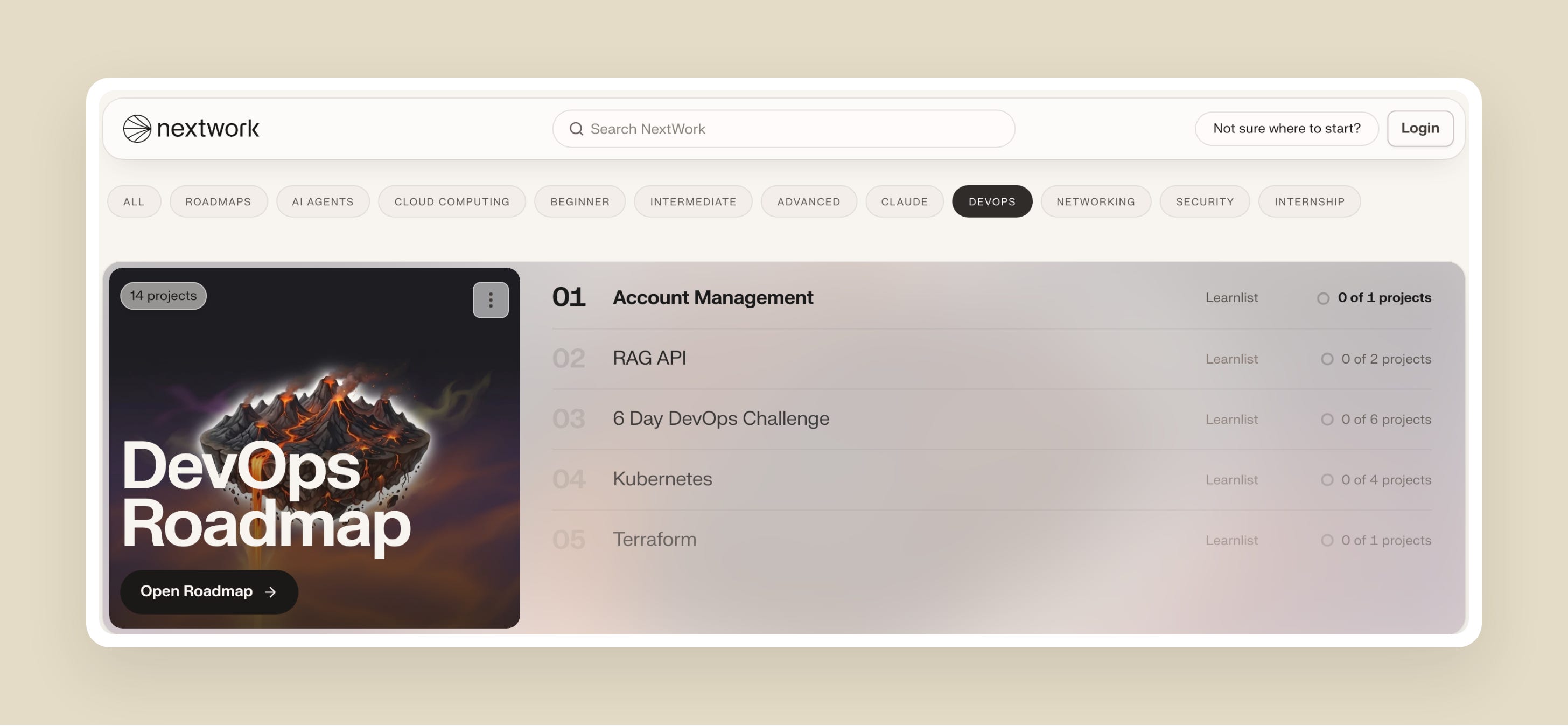
You can also browse projects by topic. Pick something you want to learn, like DevOps or Security, and you'll see the roadmaps for that topic first, followed by Learn Lists for going deeper.
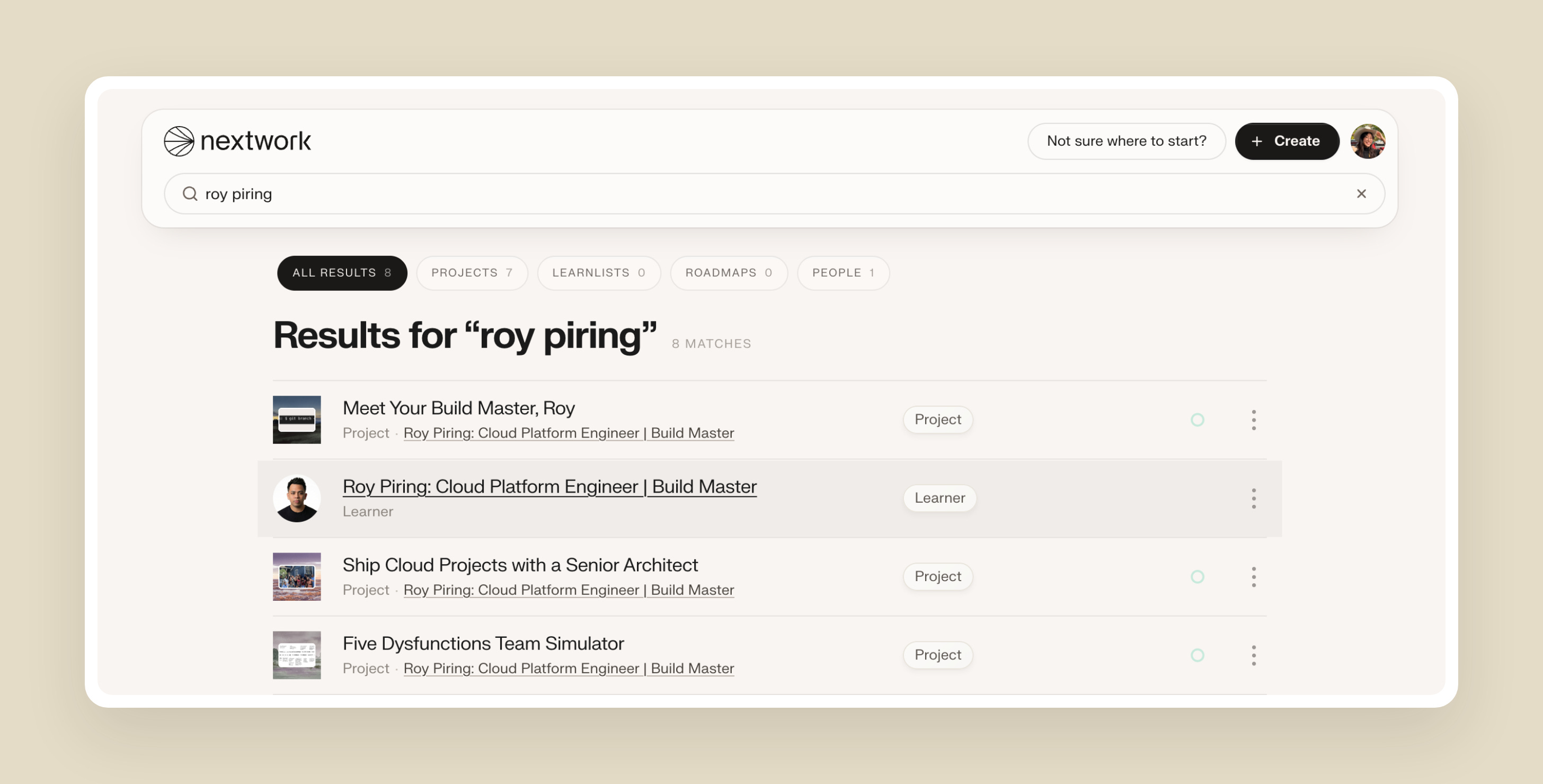
New to the search bar is that you can now also search people! Look up a name and you'll find learners, alongside the awesome projects they've created.
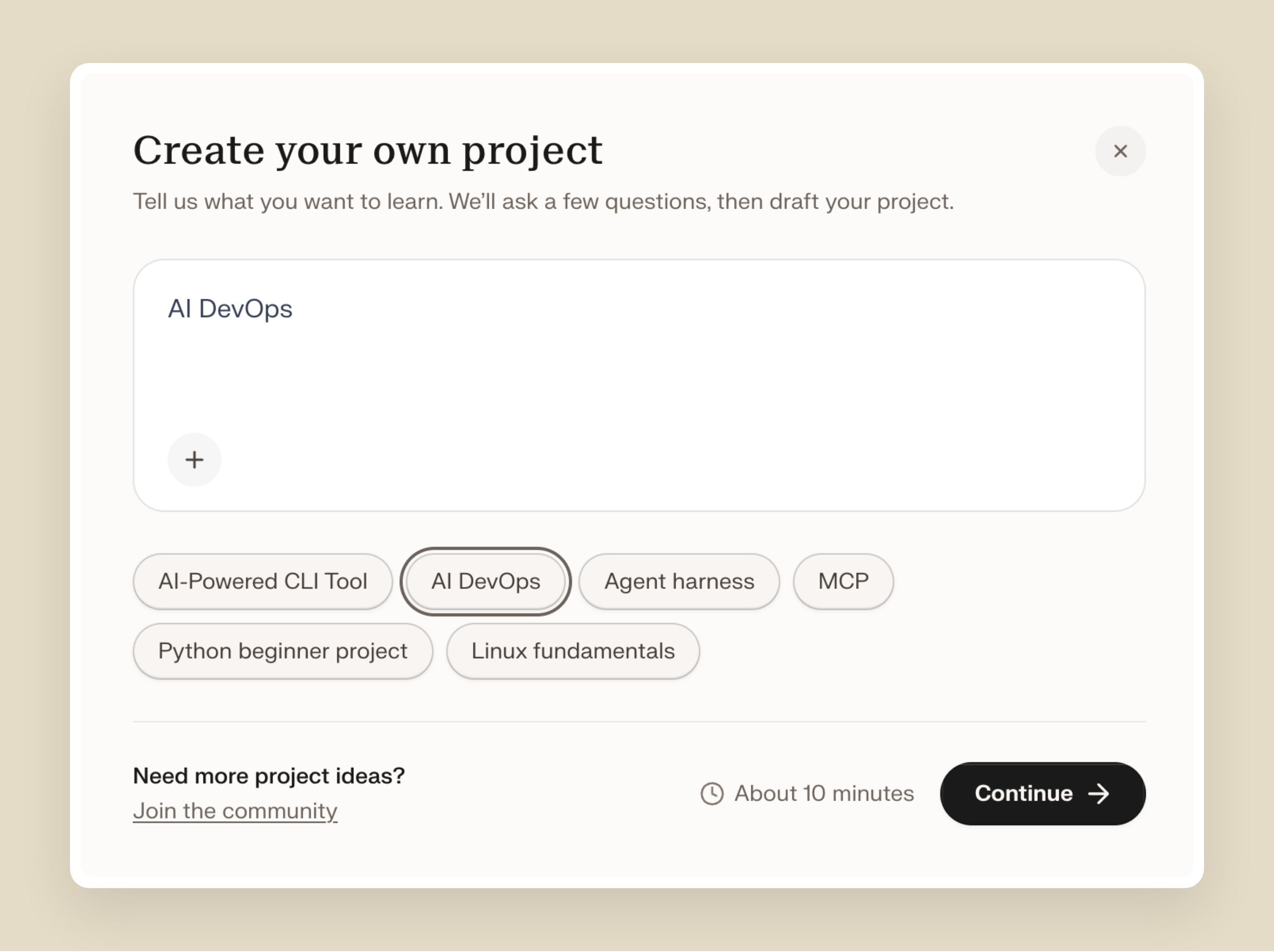
Last, but definitely not least, we've added new starter ideas for creating your own project, including AI DevOps, MCP and building an agent harness.
✨ Smaller improvements
"Your Library" in the toolbar is now just "Library".
The Update button on the edit page is now called Publish, to match the Publish window it opens.
🐛 Bug fixes
The progress circle on a project now looks the same in Explore and in your Library.
On phones, the toolbar at the bottom of the screen used to sit on top of the home bar, hide behind the keyboard and cover the bottom of every page. It now stays clear of all three, and its search box is full width.
Some Explore shelves showed 0 completions for older projects, even when learners had finished them. Shelves now show the same count as the project page.
Profile pictures had a dark brown ring around them. They're back to a faint grey outline.
On phones, project rows cut the category off mid-word and pushed the "completed" count off the screen. That line now wraps instead.
🚋 In Progress
A Work page on your portfolio that shows every project you've finished or are working on, with a live cover for each, rolling out this week
A faster Explore homepage that loads instantly instead of waiting on the full catalogue
More ways to browse your portfolio, including list and grid views
Please continue to share your feedback and feature requests in our community: https://discord.gg/6ZBmqRK88N
Happy learning!